
DTF transfers
DTF transfers (Direct to Film) are special printed motifs used to transfer images onto textiles. The process involves first printing the design onto a special film using a DTF printer and pigment inks, and then applying a powdered adhesive. When the transfer is heated with a heat press, the motif is permanently transferred onto a T-shirt, sweater or other piece of fabric.
The advantage of DTF transfers is that they provide high-quality printing with vivid colors, good wash fastness and the ability to transfer onto almost all types of materials – cotton, polyester, blends and even dark fabrics.
Why DTF transfers?

Universality of materials

Exceptional quality and detail

Pleasant touch and elasticity

Excellent durability
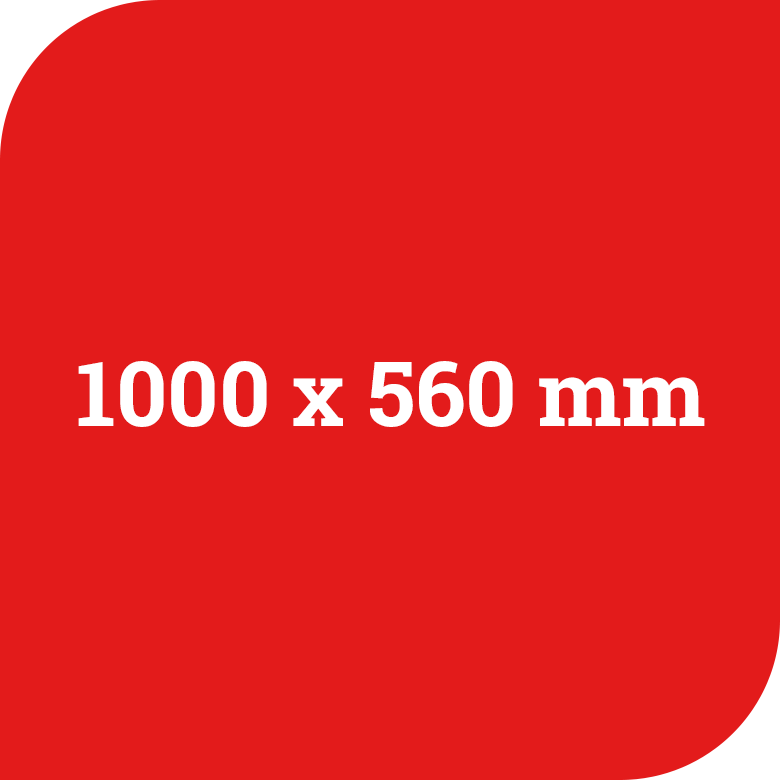
DTF A
1000 x 560 mm
Place the motifs on the downloaded template and send the pdf file.
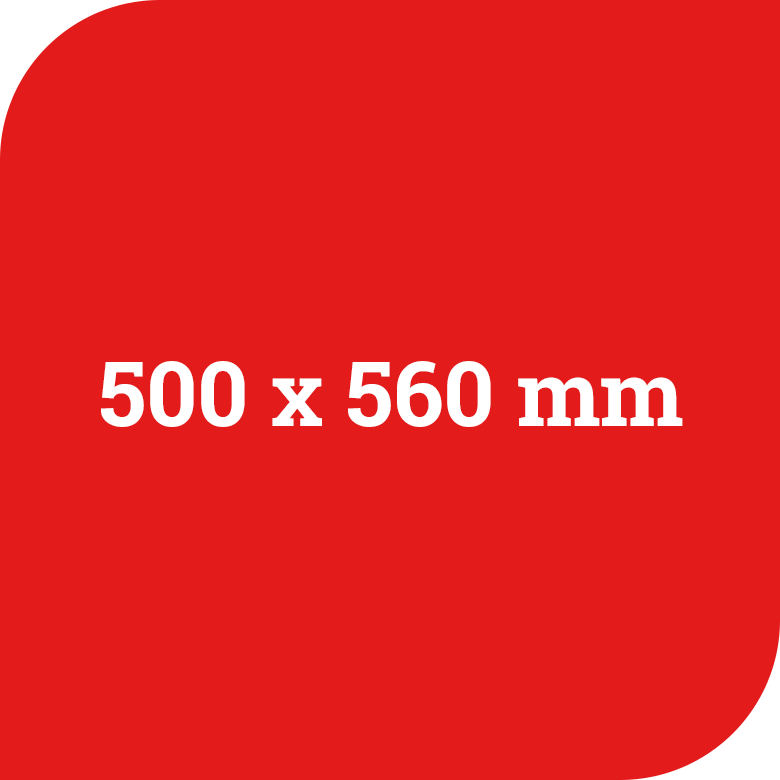
DTF B
500 x 560 mm
Place the motifs on the downloaded template and send the pdf file.
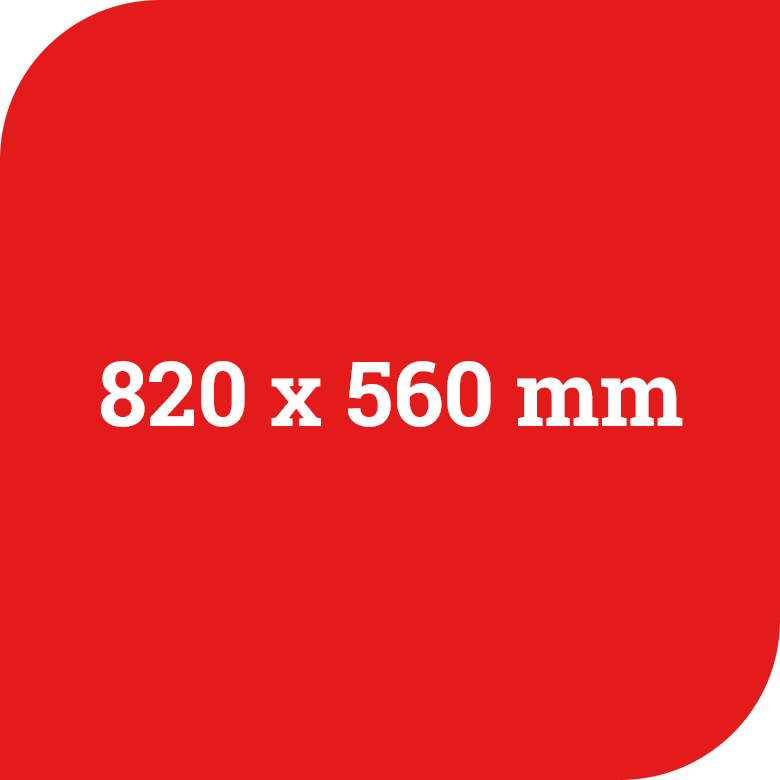
DTF CUT
820 x 560 mm
Send us a PDF file with your design on a template, along with how many pieces you need. We will do the layout and cutting for you.
Order process
- Select a template - PDF file
- Download the selected file to your computer.
- Place the print design on the blue colored field.
- Send us the design file.
Special colors
- If you would like to have special colors (gold, silver, neon, reflective), we can print them for you using the screen printing technique - plastisol transfers.
Preparation
1
Colors
Our DTF prints use the CMYK+W color space, which means there are no restrictions on the colors of logos and photos. Ideally, company logos should be created in CMYK mode or provided by your client or agency.
2
Special colors
Ne moremo tiskati posebnih barv, kot so Pantone, zlata, srebrna ali odsevna srebrna. Za optimalne rezultate je treba barve Pantone pretvoriti v CMYK.
3
Do not mirror the graphic.
Please do not mirror the graphics, as our software does this automatically. You will receive ready-made transfers that only need to be roughly cut and processed.
4
Background
If your design includes a white background, it will also print at a 1:1 ratio. Make sure that PNG images remain transparent in the PDF.
5
Error checking
Before submitting your file for printing, please check it carefully. We cannot accept complaints about design errors, even for larger orders. However, we will do our best to identify errors and notify you of them or, if possible, correct them.
6
File names and quantities
Name the file for printing clearly, e.g. "2x logo", "3x image", etc. Do not use special characters. Use only letters and numbers.
7
Line thickness
Avoid line thicknesses below 1 mm as this can degrade quality. Line thicknesses below 1 mm can cause "white flashes" in colored logos. On the other hand, design transfer can be problematic.
8
Printing details
Patterns with very small details (e.g. holes or gaps under 1.2 mm) may merge. This is possible due to the DTF liquid inks and is not a valid reason for a complaint.
9
Fonts
Fonts should always be converted to vector format. Otherwise, unwanted characters or text changes may occur.
10
File formats
Valid formats are TIFF, PNG, EPS, AI, PS, and PDF. For best results, always use the CMYK color space. RGB colors (e.g. in PNG and PDF) are converted to CMYK, which may cause color differences.
11
Image resolution
Ensure that PNG and TIFF files are 300 dpi. Do not enlarge images simply by increasing the size, as this will not improve print quality.
12
Transparent areas and gradients
Avoid transparent areas in your design. DTF printing is not suitable for accurately printing gradients, shadows, or opaque colors. Gradients should always have 100% color coverage.
13
Grayscale and black printing
For grayscale printing, always use only one K value and make sure that black is defined as, for example, C75/M75/Y75/K100, as K100% does not produce a true deep black.
14
Check your PDF
After saving, reopen the PDF and always check its accuracy. Enable the "Show Transparency" option in Adobe Reader to ensure that all elements display correctly.
15
Cutting
Send us your logo, text or motif and write how many pieces you need.
We will print your design on a DTF transfer, and cut and prepare it for heat transfer onto t-shirts, sweaters or other textile products.
Information
Transfer temperature: 165 °C (cotton)
Transfer temperature: 120 °C -150 °C (nylon, polypropylene, polyester, cotton blends, polyamide)
Transfer time: 9-12 s
Transfer pressure: 2−4 bar
Peeling: warm
Washing temperature: up to 60 °C